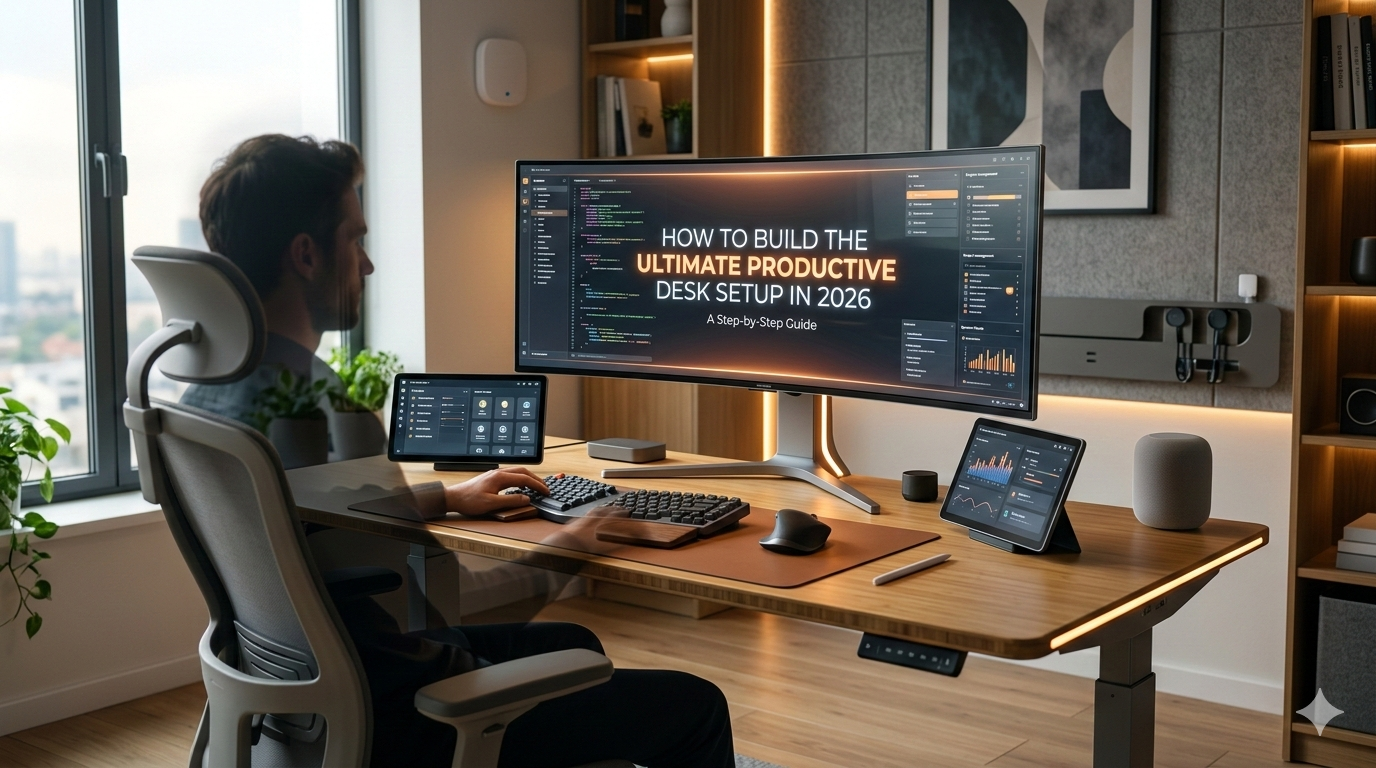
The same core setup appears on r/battlestations, r/workfromhome, and r/homeoffice over and over: a sit-stand desk, a mechanical keyboard, an ultrawide monitor, and noise-cancelling headphones. Thousands of remote workers have independently converged on this formula because it simply works.
This guide breaks down that formula piece by piece. Three budget tiers, deep-dive links for every category, and a concrete shopping list at the end.
Contents
Budget Tier Overview
The $500 Starter Tier — Functional ergonomics and one good screen.
The $1,000 Mid-Range Tier — Where most Redditors land after their first upgrade cycle.
The $2,000+ Premium Tier — Removes all friction. Diminishing returns kick in, but for 8+ hour days, they still matter.
Ergonomics: The Desk and Chair Foundation
Reddit’s r/standingdesks community has settled the debate: a sit-stand desk is worth it, but only if it is motorized.
Desks: FlexiSpot E7 ($350-$450) at the $500 tier. Uplift V2 Commercial at $1,000. Solid-wood top at $2,000+.
Chairs: HON Ignition 2.0 ($150-$200). Used Herman Miller Aeron ($400-$500). New Aeron or Steelcase Leap V2 ($800-$1,400).
If your setup runs through a laptop, a proper docking station becomes essential too.
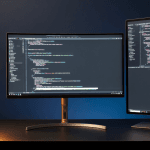
The Monitor Question: Ultrawide, Dual, or Both?
“For Excel-heavy work I’d definitely go with something like a 34-38 inch ultrawide and keep one of the 24 monitors in portrait mode.”
Full breakdown: Best Monitors for Coding in 2026.
$500: Single 27″ 4K. $1,000: 34″ ultrawide. $2,000+: 38″ ultrawide plus 27″ 4K in portrait.
For developers, check our best laptops for programming roundup — display output capabilities dictate monitor configs.
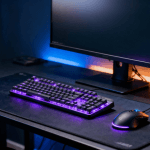
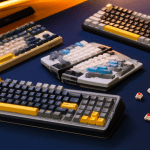
Keyboard and Mouse
Dedicated guide: Best Mechanical Keyboards for Programming in 2026.
$500: Keychron C3 Pro ($35) + Logitech M720 ($45). $1,000: Keychron Q1 ($160) + Logitech MX Master 3S ($90). $2,000+: Custom build ($200-$350).
Audio Setup
Over-ear: Sony WH-1000XM6 is the community favorite. Full review: Sony WH-1000XM6 Review.
Earbuds: Sony WF-1000XM6 leads on ANC and sound, though fit issues exist. Covered in: Sony WF-1000XM6 Fit Issues.
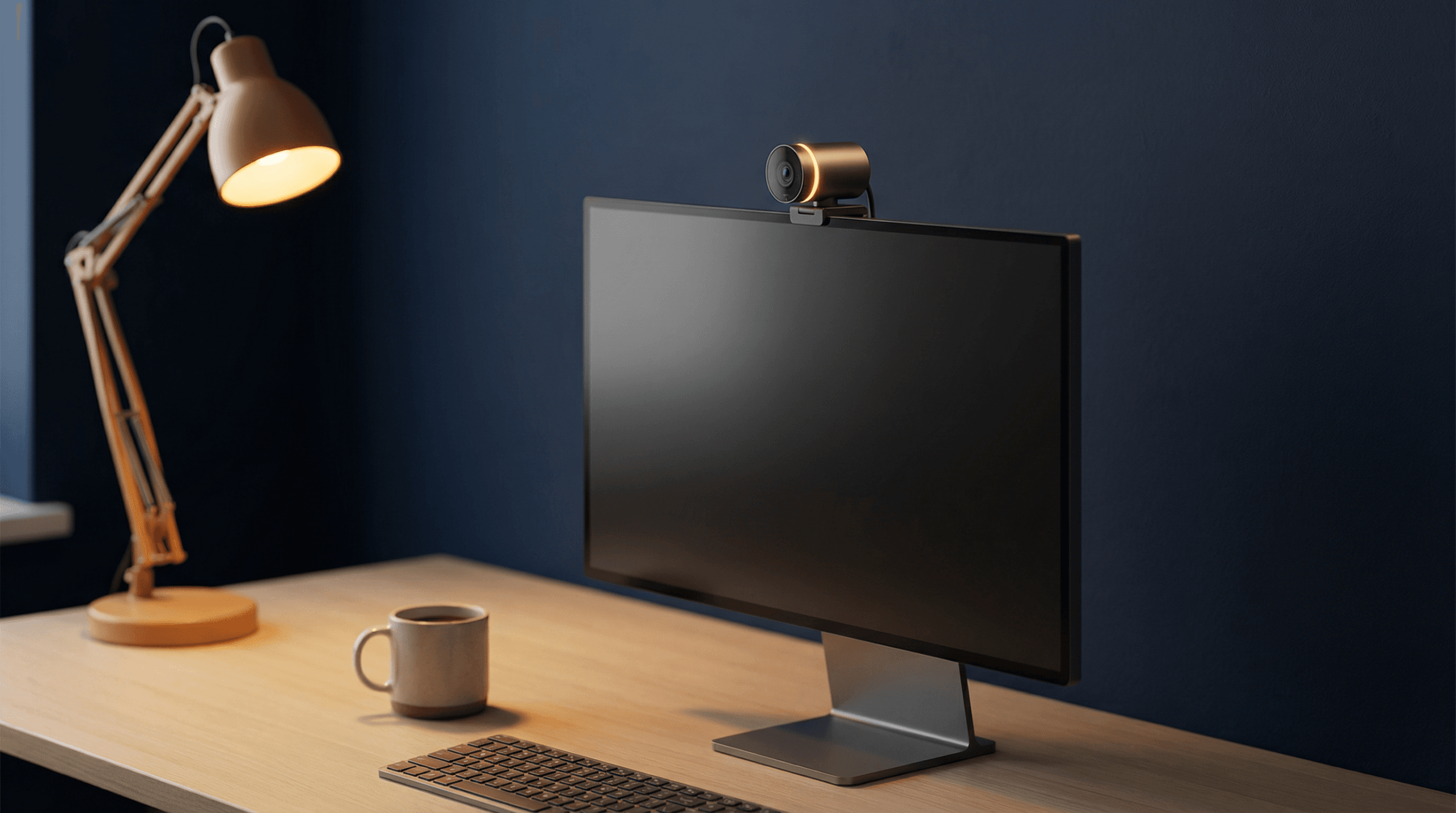
Webcam and Microphone
Full guide: Best Webcams for Remote Work in 2026.
The webcam + audio upgrade combo is the single change that draws the most “you look/sound so much better” comments.
Cable Management and Docking
A Thunderbolt or USB-C dock collapses everything into a single connection. Our guide: Best Docking Stations for Laptops in 2026.
Lighting: The Most Underrated Productivity Variable
Monitor light bar: BenQ ScreenBar or Quntis ($40-$100). The most upvoted lighting recommendation across every desk-setup subreddit.
Bias lighting: LED strip behind your monitor ($10-$20).
Key light for video calls: Elgato Key Light Mini or Logitech Litra Glow.
The Complete Shopping Lists
Tier 1 — The $500 Starter
- FlexiSpot E7 + basic top (~$350)
- HON Ignition 2.0 (~$180)
- Dell S2722QC 27″ 4K (~$250)
- Keychron C3 Pro (~$35)
- Logitech M720 (~$45)
- Quntis Monitor Light Bar (~$40)
Estimated total: ~$900-$1,070. Core $500 version uses Ikea Lagkapten + Alex drawers.
Tier 2 — The $1,000 Sweet Spot
- Uplift V2 Commercial (~$500)
- Used Herman Miller Aeron (~$450)
- LG 34WN80C-B 34″ ultrawide (~$400)
- Keychron Q1 (~$160) + MX Master 3S (~$90)
- Logitech Brio 300 (~$55)
- Sony WH-1000XM6 (~$350)
- Anker TB4 dock (~$180)
- BenQ ScreenBar + bias strip (~$120)
Estimated total: ~$2,355 at retail. This is where most Redditors feel “done” with upgrades.
Tier 3 — The $2,000+ No-Compromise Build
- Uplift V2 with walnut top (~$800)
- Herman Miller Aeron new (~$1,200)
- LG 38WN95C 38″ ultrawide (~$900) + Dell 27″ 4K portrait (~$400)
- Custom keyboard + MX Master 3S (~$290)
- Elgato Facecam MK.2 + Rode NT-USB Mini (~$230)
- Sony WH-1000XM6 (~$350) + WF-1000XM6 (~$230)
- CalDigit TS4 (~$250)
- BenQ ScreenBar Halo + Key Light Mini (~$200)
Estimated total: ~$4,800. Core $2,000 version uses mid-range top, used chair, one monitor.
FAQ
Do I really need a standing desk?
Community consensus: alternating sitting/standing reduces back pain and afternoon fatigue. Key: motorized with presets.
What is the single best upgrade for under $100?
A monitor light bar. Immediately reduces eye strain.
Mechanical keyboard or membrane?
Mechanical. Start with our mechanical keyboard guide.
How do I connect everything cleanly?
Thunderbolt 4 or USB-C docking station. Our docking station guide has tier-by-tier picks.
What about the laptop itself?
Our best laptops for programming roundup covers that side.